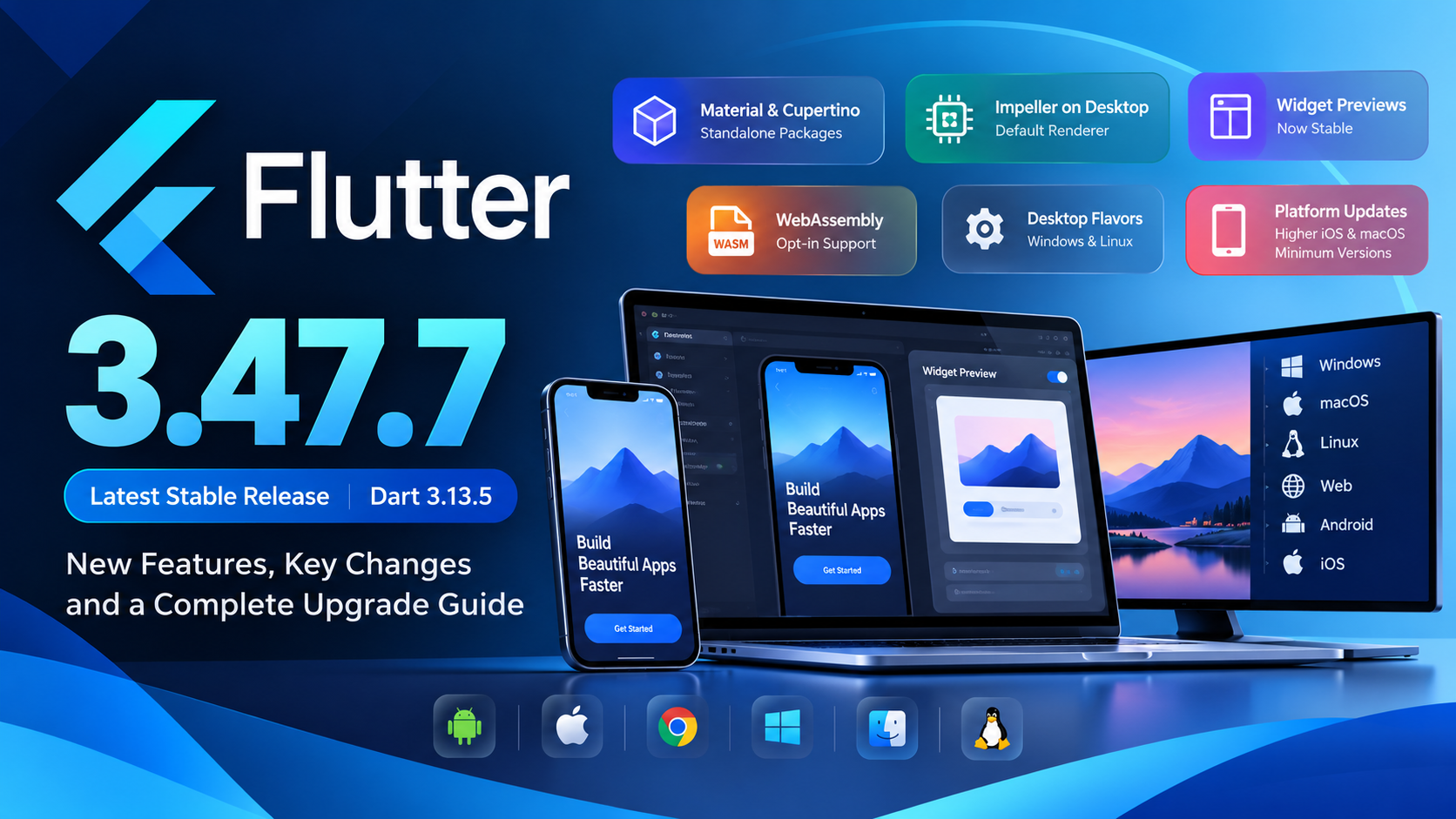
Last verified: October 23, 2026 · 8–10 minute read
Image source: Official Flutter Blog.
Introduction
Flutter continues to evolve beyond mobile app development. Its latest stable patch, Flutter 3.47.7, focuses on polishing the 3.47 release line, while the main 3.47 release introduces meaningful changes to UI package distribution, desktop graphics, and developer workflows.
For teams building Android, iOS, web, Windows, macOS, or Linux applications, this release is worth evaluating—but a production upgrade should include compatibility checks, not just a single terminal command.
This guide summarizes the release, explains which changes matter most, and provides a safer upgrade plan for existing applications.
Version snapshot: Flutter 3.47.7 is the latest stable patch verified for this article, released on October 8, 2026, and bundled with Dart 3.13.5. Flutter 3.47.0, the feature release, shipped on August 12, 2026.
What is new in Flutter 3.47?
| Area | What changed | Why it matters |
|---|---|---|
| UI libraries | material_ui and cupertino_ui are available as standalone packages | UI components can receive updates independently of the full SDK |
| Desktop graphics | Impeller becomes the default renderer on macOS, Windows, and Linux | Rendering and animation behavior deserve fresh testing |
| UI development | Widget Previews reach stable | Developers can inspect components without launching the entire app |
| Flutter Web | WebAssembly builds can be tested using an opt-in flag | Teams can evaluate Wasm compatibility |
| Desktop builds | Windows and Linux support Flutter flavors | Build variants can be managed more cleanly |
| Apple platforms | Minimum supported iOS and macOS versions increase | Deployment targets and older-device support need review |
| Maintenance | 3.47.7 includes iOS accessibility fixes | The patch version matters, not just the feature version |
1. Material and Cupertino become standalone packages
One of the most significant architectural changes in Flutter 3.47 is the move toward distributing Material and Cupertino UI libraries independently from the core SDK.
The official packages are [material_ui](https://pub.dev/packages/material_ui) and [cupertino_ui](https://pub.dev/packages/cupertino_ui).
Previously, these design libraries were imported from Flutter's bundled framework libraries. With the standalone packages, updates and fixes can ship independently of the main Flutter SDK release cycle.
What should existing apps do?
Do not assume every existing project must change its imports immediately. However, plan and test the migration deliberately.
Flutter's 3.47 announcement described the standalone packages as opt-in for that release and said the bundled design libraries were scheduled for formal deprecation in the planned November stable release. Check the latest migration documentation before upgrading to a later SDK.
For a Material-based project, Flutter provides this migration command:
dart fix --apply --code=migrate_design_widgetsIf the automated migration does not add the dependency correctly, add it manually and rerun the fix:
flutter pub add material_ui
dart fix --apply
A migrated import looks like this:
// Before
import 'package:flutter/material.dart';

// After
import 'package:material_ui/material_ui.dart';
For Cupertino widgets, use the standalone cupertino_ui package and follow its current package documentation.
Review localization setup as part of this migration. A typical Material setup can use:
import 'package:material_ui/material_ui.dart';

MaterialApp(
  localizationsDelegates: GlobalMaterialLocalizations.delegates,
  // Other app configuration...
)
If your app or one of its third-party dependencies still uses the old Material library, inspect the package's compatibility guidance. Flutter provides MaterialUiCompatibilityBridge for bridging certain legacy dependencies while a project completes its migration.
Production tip: Upgrade third-party UI packages in a separate branch, check their changelogs, and run widget tests after changing imports. Types from the old bundled library and the standalone package may not be interchangeable just because their class names look the same.
2. Impeller becomes the default desktop renderer
Flutter 3.47 makes Impeller the default renderer on macOS, Windows, and Linux.
Impeller is Flutter's rendering engine designed around modern graphics APIs and ahead-of-time shader preparation, with the aim of reducing first-use shader compilation stutters.
For desktop applications, this change deserves attention because rendering can vary across graphics hardware, operating systems, and drivers. A feature that appears correct on one developer's machine should not be assumed to behave identically on every supported desktop configuration.
What to test after upgrading
- Run through animated transitions, scrolling, image-heavy screens, and custom painting.
- Test supported operating systems and representative GPU hardware.
- Check custom shaders or low-level Flutter GPU integrations carefully.
- Compare release builds, not only debug sessions.
Flutter's migration notes also document an OpenGL ES render-to-texture orientation change: content is stored top-down to match Metal and Vulkan.
Most standard Flutter 2D UI should not need changes, but custom fragment shaders or Flutter GPU code that manually flipped texture coordinates may render upside down after upgrading.
See the official render-to-texture migration guide.
3. Widget Previews reach stable
Flutter Widget Previews are now stable. They let developers render and inspect individual UI components without repeatedly building and launching the complete application.
This is particularly useful when developing a design system, reusable component library, form controls, or a collection of empty, loading, error, and success states.
Instead of navigating through a full application flow every time you tweak a widget, you can preview the component in isolation.
The 3.47 release also introduces local preview caching in a .widget_preview/ directory, supports more flexible theme setup through PreviewThemeData, and synchronizes web assets for web widget previews.
A practical use case
Imagine maintaining a reusable ProfileCard component. You need to review its appearance with a long display name, no avatar, dark theme, larger text scaling, and a loading state.
Component previews help you inspect these cases early, before they become difficult-to-reproduce problems in a full app.
Widget Previews are a development workflow improvement—not a replacement for widget tests, integration tests, accessibility checks, or real-device verification.
4. WebAssembly support moves forward
Flutter is working toward making WebAssembly (Wasm) a more central part of Flutter Web.
In Flutter 3.47, developers can opt in to produce a Wasm release build:
flutter build web --release --wasmThis is an evaluation path, not a reason to switch every production website immediately.
Flutter's announcement notes that Wasm work requires modernizing JavaScript interop. The legacy dart:html library is not supported on the Wasm path, so projects may need to migrate to [package:web](https://pub.dev/packages/web) and update dependencies.
The release announcement also describes experimental deferred loading for Wasm on Flutter's main development channel. Because that feature is experimental and main-channel based, it should not be treated as a stable production capability.
Recommended approach: Build a representative staging version, check third-party package support, measure initial load time and runtime behavior, and test on the browsers and devices your audience actually uses. Keep the existing web build as your fallback until the Wasm variant passes your acceptance criteria.
5. Better desktop development workflows
Flutter 3.47 includes several improvements for desktop developers.
Flavors for Windows and Linux: These platforms can use the --flavor option, enabling environment- or variant-specific build configurations and assets.
For example:
flutter build windows --flavor staging
flutter build linux --flavor staging
Use the exact flavor names configured in your project.
Other improvements include experimental desktop windowing APIs, popup windows on Windows and Linux, better window focus behavior, and sharper desktop text rendering through Impeller.
Before adopting flavors in a release pipeline, verify the asset configuration and build behavior in CI as well as on a developer workstation.
6. Platform requirements to review
Flutter 3.47 raises minimum supported Apple operating-system versions to align with newer Apple tooling.
| Platform | Minimum noted for Flutter 3.47+ |
|---|---|
| iOS | 15 |
| macOS | 12 |
This matters if your app deliberately supports older iPhones, iPads, or Macs. Review deployment targets, plugin requirements, and your product's device-support policy before updating a release branch.
The release announcement also documents an Android toolchain compatibility matrix, including Java 17, Kotlin Gradle Plugin 2.4.0, Android Gradle Plugin 9.1.0, and Gradle 9.3.1. It lists API 36 for Flutter's compile and target SDK defaults and API 24 for the minimum SDK default.
Treat these as the release's documented compatibility baseline, not as a command to upgrade each component independently. Check the current Android build documentation and your plugins' requirements before changing Gradle files.
On Apple platforms, Flutter also calls attention to the UIScene lifecycle for future Apple SDKs. Applications with custom native AppDelegate code or plugins that depend on the older lifecycle may require manual migration.
What does Flutter 3.47.7 fix?
It is useful to distinguish the feature release from its newest patch.
As of this article's verification date, the current stable patch is 3.47.7, and its changelog lists two iOS accessibility fixes:
- An
OverlayPortalaccessibility-frame issue that could place VoiceOver focus and automated UI-test taps away from visible controls. - A
ReorderableListViewissue that could shift VoiceOver semantic focus toward the top-left of the screen.
The immediately preceding 3.47.6 patch fixed an issue that could cause Windows production applications to hang.
Earlier 3.47 patches addressed additional issues affecting iOS/macOS builds, Windows external textures, Linux memory use, Wasm-related tooling, and a security-related libpng update.
These fixes are a practical reminder to track patch releases rather than only the 3.47 feature number. Teams with accessibility requirements should retest screen-reader navigation and automated accessibility flows, and Windows teams should validate their release builds against their normal smoke-test suite.
Breaking changes and migration notes
Flutter 3.47's migration notes list several items that deserve a focused review. Not every application is affected; pay special attention if your code uses the relevant APIs.
describeEnum has been removed
If you used describeEnum to retrieve an enum member's name, use the enum's name getter instead:
enum AppTheme { light, dark }

// Before
// final value = describeEnum(AppTheme.light);

// After
final value = AppTheme.light.name;
The documented migration is not supported by dart fix, so search for describeEnum in your codebase and update usages manually.
See the official migration note.
Accessibility headings should use headingLevel
On iOS and Android, Semantics(header: true) is now a no-op for declaring a heading. Use headingLevel instead:
Semantics(
  headingLevel: 1,
  child: const Text('Account settings'),
)
Choose the level that reflects the heading hierarchy. Different platforms interpret heading levels differently, so verify behavior with screen readers.
See the official semantics migration guide.
OpenGL ES render-to-texture orientation
If a custom shader used to flip its Y coordinate to compensate for OpenGL ES's previous bottom-up render-target orientation, review and migrate that logic.
Standard Flutter widgets should not need this change, but custom graphics code may.
See the official render-to-texture migration guide.
A production-safe upgrade checklist
Avoid upgrading the SDK and every dependency at the same time without a recovery plan. A controlled sequence helps isolate regressions and makes rollback easier.
1. Capture the current baseline
flutter --version
flutter doctor -v
flutter pub outdated
Record the current SDK version and environment. Confirm that your team can reproduce the existing build before changing anything.
2. Create a dedicated branch and upgrade the stable SDK
Commit or stash current work first, then upgrade on a branch.
flutter channel stable
flutter upgrade
flutter --version
The flutter upgrade command installs the newest SDK available on the selected channel; it does not guarantee that a future execution will remain on exactly 3.47.7.
If your CI environment requires a fixed SDK, pin the approved version using your team's SDK-management process and document when it will be refreshed.
3. Resolve dependencies deliberately
flutter pub get
flutter pub outdated
Review package changelogs before adopting new major versions. Treat the material_ui / cupertino_ui transition as its own migration, especially if your app depends on UI packages that may still import the older framework libraries.
4. Analyze and run automated tests
dart format --output=none --set-exit-if-changed .
flutter analyze
flutter test
If formatting is part of your CI, run the formatter according to your project's standard workflow. Add integration tests for high-risk paths such as authentication, payments, notifications, navigation, media playback, and deep links.
5. Build every supported target
Do not test only the platform used by the main developer.
Build the production targets that your app actually ships to, including Android App Bundles, iOS archives, web releases, or desktop packages as applicable. Review native toolchain requirements and run builds in CI.
6. Perform manual release checks
- Test accessibility with VoiceOver and TalkBack where appropriate.
- Verify custom shaders, animation-heavy screens, and desktop rendering if affected.
- Check login, purchases, notifications, background tasks, and network error handling.
- Test supported OS versions and a representative range of devices.
- Compare startup time, crashes, performance, and bundle size against the previous release.
7. Roll out with monitoring
Release to an internal group or staged percentage first when your distribution channel supports it. Monitor crashes, ANRs, failed sessions, and user reports.
Keep a rollback or hotfix plan ready until the upgraded release has passed your team's observation window.
Useful links and video
Start with primary sources, especially when making a release decision:
- Official Flutter 3.47 announcement
- Flutter release notes
- Flutter changelog — patch-level fixes
- Flutter breaking changes and migration guides
- Upgrade the Flutter SDK
- [Official
material_uipackage](https://pub.dev/packages/material_ui) - [Official
cupertino_uipackage](https://pub.dev/packages/cupertino_ui)
Related video: Don't update to Flutter 3.47 before watching this! — Breaking Changes (YouTube).
This is a third-party walkthrough, so use it as supplementary context and confirm migration decisions against Flutter's official documentation.
Frequently asked questions
What is the latest stable Flutter version?
As verified on October 23, 2026, the latest stable patch is Flutter 3.47.7, bundled with Dart 3.13.5. Confirm the official release archive or changelog again when publishing later, because the stable version can change.
Should I upgrade a production app immediately?
Not blindly. Upgrade a branch, review the breaking-change index, confirm package compatibility, build every supported target, run automated and manual tests, and roll out with monitoring.
Security and critical bug fixes may make an upgrade urgent, but it still deserves a controlled release process.
Do I need to migrate to material_ui today?
Flutter 3.47 made the standalone packages available as an opt-in migration path, while the official announcement said the bundled UI libraries were planned for formal deprecation in the next November stable release.
Check the latest official migration status before deciding when to migrate; do not rely on an older date if the release schedule has changed.
Is WebAssembly enabled by default for Flutter Web?
No. In Flutter 3.47, you can opt in to a Wasm release build with flutter build web --release --wasm. Check package compatibility—particularly JavaScript interop—before using it for production traffic.
Is Flutter 3.47 only for mobile apps?
No. This release includes changes across mobile, web, and desktop. Impeller becoming the default desktop renderer, desktop flavors, multi-window work, and Widget Previews are particularly relevant to developers targeting desktop or maintaining shared component libraries.
Final thoughts
Flutter 3.47.7 is more than a version-number refresh. The 3.47 release line moves Flutter toward independently updated UI packages, makes Impeller the default desktop renderer, stabilizes Widget Previews, and gives teams a way to evaluate WebAssembly builds.
The patch releases also contain meaningful fixes, including a Windows production-hang fix and iOS accessibility corrections.
The best upgrade strategy is not to adopt every new capability at once. Start with the newest stable patch, read the migration notes that affect your app, test your supported platforms, and introduce architectural changes such as standalone UI packages or Wasm behind a deliberate rollout plan.
Release facts in this article were checked against official Flutter documentation and the Flutter repository changelog on October 23, 2026. Re-check linked sources before republishing this article on a later date.